
Table of Contents
ToggleWORDPRESS PLUGIN 🚀
Auto Image Compressor for WordPress
Automatically compress your images, reduce file size and boost your website speed without losing quality.
- Faster Loading
- Better Performance
- No Quality Loss
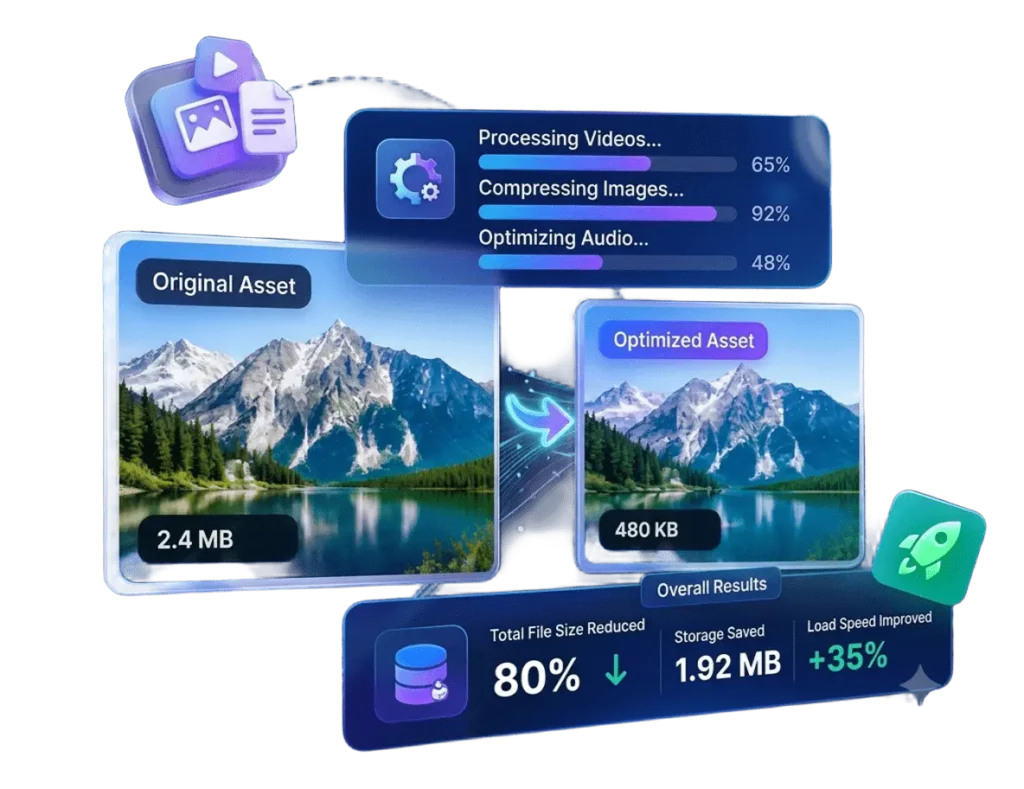
Auto Image Compressor: Optimize WordPress Images with WebP and AVIF
Images make websites more attractive, but large image files can increase loading times and consume valuable server storage. Manually compressing and converting every image can also be time-consuming. Auto Image Compressor simplifies this process by automating image compression, resizing, and conversion into modern formats such as WebP and AVIF. It helps WordPress website owners manage images efficiently while reducing manual wor
What Is Auto Image Compressor?
Auto Image Compressor is a WordPress plugin designed to optimize images automatically during upload and process existing images in bulk. It combines image compression, format conversion, resizing, and restoration features in one solution. The plugin is designed to process images directly on your server without requiring an external image optimization service.
Key Features of Auto Image Compressor
Automatic WebP and AVIF Conversion
The plugin can convert supported JPG, PNG, and GIF uploads into modern image formats according to your settings. If AVIF conversion fails, it can automatically fall back to WebP, providing an alternative when AVIF processing is unavailable.
Smart Image Compression and Resizing
Auto Image Compressor includes a configurable target file size of 150 KB by default and an automatic resizing option with a maximum dimension of 2560 pixels. These settings help reduce unnecessarily large image files while balancing file size and visual quality. Actual results depend on the original image, compression settings, and server capabilities.
EXIF Orientation and Transparency Support
Smartphones and cameras may store orientation information in image metadata. The plugin corrects EXIF orientation to help photographs display properly after processing. It also includes support for preserving PNG transparency, which is important for logos, icons, and product images. Animated GIFs and format-specific transparency should be tested to confirm the expected output.
Bulk Image Conversion
Already have hundreds of images in your WordPress media library? The bulk conversion feature helps process eligible existing images without optimizing every file individually. A progress bar allows you to monitor the conversion process, making this feature useful for blogs, business websites, and online stores.
Restore Original Images
The Restore Original Images feature allows you to recover original files when they have been retained. This provides flexibility when an optimized image needs to be replaced with its original version. Keeping independent website and media backups is still recommended.
Activity Logs and Storage Savings
The plugin includes activity logs and storage savings statistics to help administrators monitor optimization activity and review the results. These tools make it easier to understand image processing operations and track storage efficiency.
WP-CLI Support for Developers
Developers can manage supported image conversion and restoration tasks through WP-CLI. Use wp aic convert to run the conversion workflow and wp aic restore to run the restoration workflow. These commands require WP-CLI and a compatible WordPress environment.
Safe Processing and Developer-Friendly Tools
Auto Image Compressor includes low-memory handling and verifies converted files before deleting their corresponding originals. It also provides developer hooks, translation-ready support, and multisite-aware uninstallation. The plugin is designed without external optimization services or tracking, keeping its intended image-processing workflow on your server.
Why Is Image Optimization Important?
Image optimization can help reduce the amount of data browsers need to download and improve media storage management. Smaller image files can support a smoother browsing experience, particularly on image-heavy pages and mobile devices. When combined with appropriate caching, reliable hosting, and optimized website code, image optimization can contribute to better overall website performance.
Who Can Use Auto Image Compressor?
Auto Image Compressor is designed for bloggers, business owners, WooCommerce store administrators, website developers, and digital agencies. Bloggers can optimize article images, businesses can manage service and portfolio photos, and online stores can process eligible product images. Developers can also use its bulk processing and WP-CLI features when managing client websites. Compatibility should be tested with the website’s theme, hosting environment, and existing image optimization tools.
Best Practices for Image Optimization
Before processing a large media library, create a backup and test the plugin on sample images. Choose compression settings according to your image quality requirements, check transparency and GIF animation where applicable, and monitor server resources during bulk conversion. After processing, review the logs and check important pages to confirm that images display correctly.
Frequently Asked Questions
Does Auto Image Compressor support WebP and AVIF?
Yes, the plugin supports WebP and AVIF conversion and includes a WebP fallback when AVIF conversion fails.
Can I optimize existing WordPress images?
Yes, the bulk conversion feature allows you to process eligible images already stored in your media library.
Can I restore original images?
Yes, provided the original files were retained and remain available for restoration.
Can I use the plugin on client websites?
Yes, the plugin is designed for use on client websites, making it suitable for developers and digital agencies. Test compatibility and server resource requirements before deploying it across multiple websites.
Conclusion
Auto Image Compressor brings essential WordPress image optimization tools together in one plugin. Automatic compression, WebP and AVIF conversion, image resizing, bulk processing, and original image restoration help simplify media management. With additional features such as activity logs, storage savings statistics, WP-CLI support, and developer hooks, it provides a practical solution for website owners and developers who want a more efficient image optimization workflow.